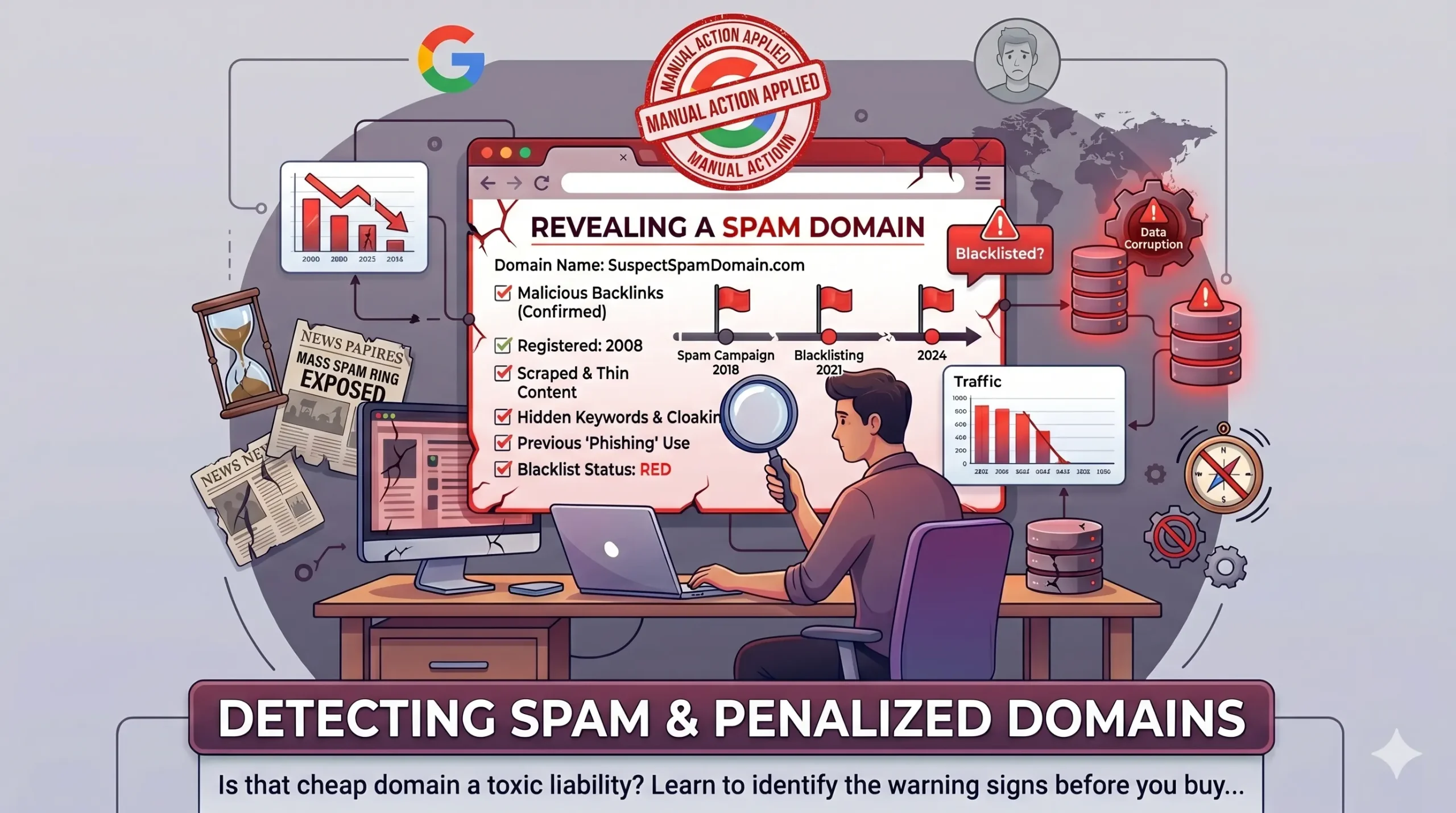

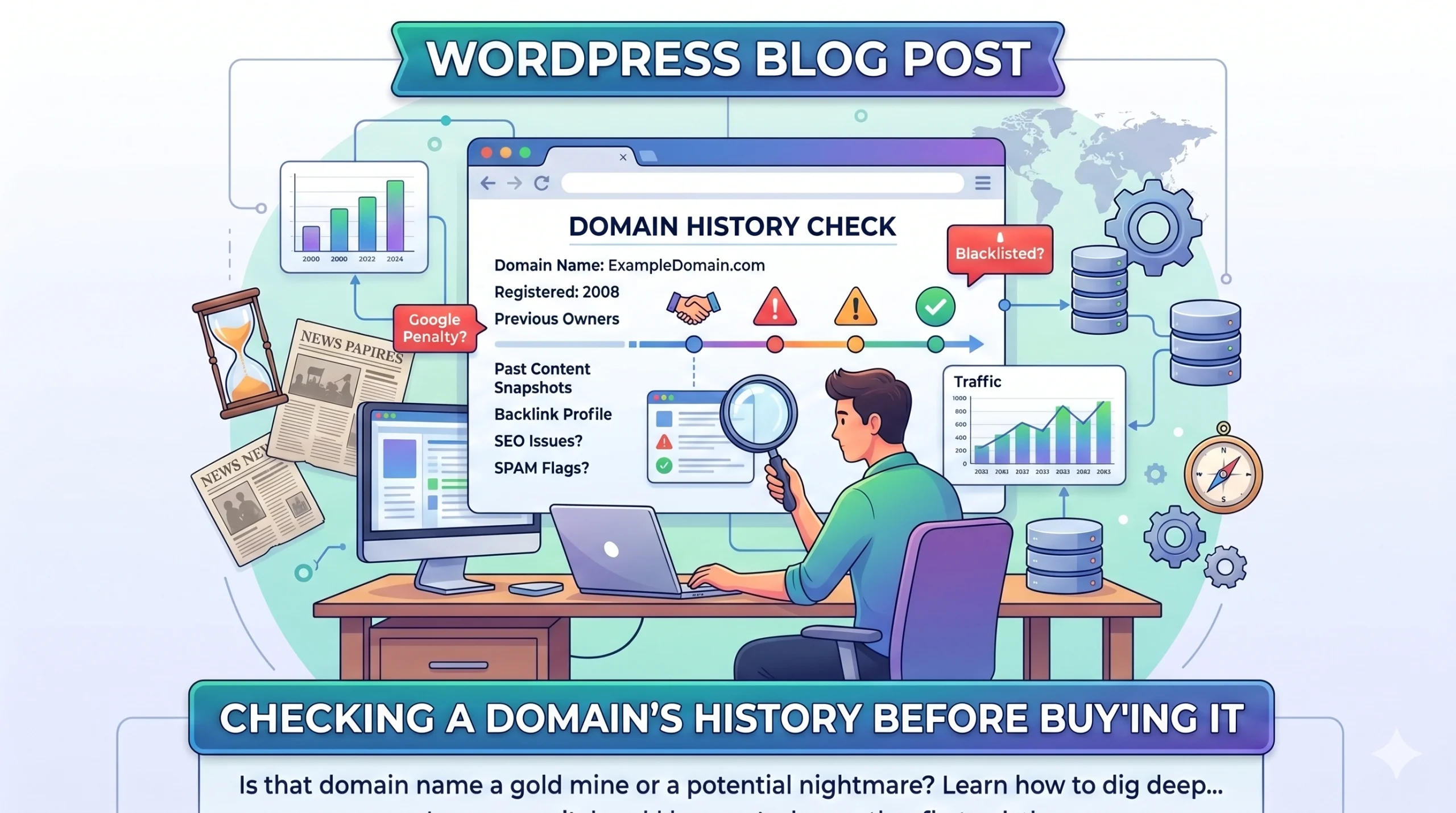
Summary -To check a domain’s history before you buy it, run four passes — look up its registration and ownership record (WHOIS/RDAP), view its past website content on the Wayback Machine, screen it against spam and malware blacklists, and check how Google currently indexes it. A clean history shows no ownership gaps, no spam or adult past, no blacklist entries, and normal indexing. Skip these checks and you risk inheriting a search penalty, a damaged email reputation, or a brand tied to something you’d never have chosen.
Before you pay for any domain (you need to understand domain price), check its history: who owned it, what was published on it, whether it was ever used for spam, and whether Google or email providers have flagged it. A domain that looks clean today can carry a hidden past that tanks your search rankings, gets your emails dumped into spam, or ties your new brand to something you’d never want associated with it. The price tag tells you nothing about any of this. The history does.
I’ve bought and brokered enough domains to know that the expensive mistakes almost never come from overpaying. They come from buying a name with a buried problem nobody checked for. So here’s exactly how to check a domain’s history before money changes hands — the same passes I run before I let a client commit.
Table of Contents
What “domain history” actually means
A domain’s history is everything that happened on that name before it reached you. That includes its registration record over time (who held it and for how long), the websites that were hosted on it, how search engines treated it, and whether it ever sat on a blacklist for spam or malware. A freshly registered domain has almost no history, which is its own kind of safe. An aged domain that’s changed hands several times can carry value *or* baggage, and the only way to know which is to look.
The checks below move from fastest to most involved. For a casual purchase, the first three are non-negotiable. For anything five figures or brand-critical, run all of them — or have it done properly.
Step 1: Pull the registration and ownership history
Start with who has owned the domain and when. A current WHOIS or RDAP lookup shows the present registrar, creation date, and expiry. That tells you the domain’s true age, which matters because age is often misrepresented by sellers.
The more useful signal is the *historical* WHOIS record — the chain of past owners and the gaps between registrations. Tools that store WHOIS history let you see this. What you’re looking for: a clean handoff between a small number of long-term owners is reassuring. Rapid flipping between many owners, or a long lapse where the domain dropped and was re-registered, is a flag worth investigating, because a drop usually means the previous brand failed or abandoned it — and whatever reputation it built, good or bad, came with the name.
One thing sellers do: register a dropped domain and present it as “aged since 2009.” The creation date is technically 2009, but there may be a five-year hole where it expired and sat unused. The history view exposes that gap. The bare WHOIS date hides it.
Step 2: Look at what was published on the domain
This is the step most buyers skip, and it’s the one that’s saved my clients the most grief. Use the Wayback Machine at archive.org to see snapshots of the website that lived on the domain over the years. Type the domain in and walk through the timeline.
You’re checking for three things. First, what kind of site was it — a legitimate business, a personal blog, or a thin affiliate or spam page? Second, was it ever in a language or industry that has nothing to do with you, which can signal a churn-and-burn SEO history. Third, and most important for a brand, was it ever something you’d be embarrassed to be linked to — adult content, gambling, a scam, a political site. Once a domain has been those things, traces linger in archives, old backlinks, and people’s memories. You don’t want to inherit that.
If the archive shows years of a clean, on-topic, real business, that’s a genuine point in the domain’s favor. If it shows a wall of auto-generated keyword pages, walk carefully.
Step 3: Check for spam, blacklist, and malware history
A domain that was used to send spam or host malware can be blacklisted by email providers and security services, and that reputation follows the name, not the owner. Run the domain through Google’s Safe Browsing status and the common domain and IP blacklist checkers. If it shows up on spam blocklists, your email deliverability on that domain will suffer from day one, and cleaning it up is slow and not always possible.
This is the check that bites people who buy a domain purely for email or for a brand and assume a clean-looking site means a clean reputation. It doesn’t. The site and the sending reputation are separate histories.
Step 4: Assess Google’s treatment and possible penalties
You can’t see a manual penalty from the outside directly, but you can read the signals. Search Google for the exact domain in quotes and as a `site:` query. A real, previously active domain that returns almost nothing indexed can mean it was deindexed — sometimes for a penalty. Compare that against what the Wayback Machine showed: if the archive proves the domain ran a substantial site for years but Google now shows nothing, ask why before you buy.
The clean confirmation only comes after purchase, when you can add the domain to Google Search Console and see any manual actions. For a high-value buy, it’s reasonable to make the deal conditional on that check, or to use an escrow arrangement that gives you a window. I’ve structured acquisitions exactly this way when the history looked mostly clean but I wanted certainty before releasing the full amount.
Step 5: Examine the backlink profile
The links pointing at a domain are part of its history and can help or hurt. A backlink check (via the well-known SEO link tools) shows you the profile. Natural links from real, relevant sites are an asset. A flood of spammy, irrelevant, foreign-language, or obviously paid links is a liability — it’s the residue of past manipulation, and it can drag a domain’s standing even after the owner changes.
You don’t need a perfect profile. You need to know what you’re inheriting, so you can decide whether it’s an asset to build on or a mess you’ll have to disavow.
Step 6: Screen for trademark and brand conflicts
Separate from search history, check whether the domain’s name collides with an existing trademark. A name can have a spotless web history and still be legally radioactive if it matches a registered mark in a relevant class. Search the USPTO and EUIPO trademark databases, and look for active companies already using the name.
Be clear about what this step is: it’s a *risk flag*, not legal clearance. If anything turns up, that’s your cue to get a trademark attorney’s opinion before you build a brand on the name — not a reason to panic, and not something a domain checker can sign off on. I flag it here because buyers fall in love with an available domain and forget that “available to register” and “safe to brand” are two different questions.
Red flags that should slow you down
Run through this quickly before any purchase. Any single one isn’t automatically fatal, but each one means *investigate before you pay*:
– A registration gap where the domain dropped and was re-registered, especially if the seller calls it “aged”
– Archived snapshots showing adult, gambling, scam, or thin affiliate content
– The domain appearing on spam or malware blacklists
– A previously large site now showing almost nothing indexed in Google
– A backlink profile dominated by spammy or irrelevant links
– A name that matches an active company or registered trademark
What a clean history looks like
For contrast, here’s the profile you actually want: a clear creation date with no suspicious gaps, a small number of stable past owners, archived pages showing a legitimate and ideally on-topic site, no blacklist entries, normal indexing, a natural backlink profile, and no obvious trademark collision. A domain that passes all of this is worth more than its raw metrics suggest, because the buyer is getting a name with no hidden cleanup cost.
When to get a domain’s history checked properly
If the domain is cheap and you’ve run the first three steps with nothing alarming, you’re probably fine to proceed. If it’s a five-figure purchase, a brand you’ll build a company on, or a name with a complicated multi-owner past, the cost of a thorough due diligence pass is trivial against the cost of inheriting a problem you can’t undo.
That deeper pass — full registration history, archive review, penalty and blacklist screening, backlink assessment, and a trademark risk read, delivered as a single clear verdict — is exactly what [DomainVerdict] does. If you’ve found a name you’re serious about and want certainty before you commit, that’s the moment to use it.
Frequently asked questions
How do I check a domain’s history for free?
Use a current WHOIS or RDAP lookup for the registration date, the Wayback Machine at archive.org for past website content, a Google `site:` search for indexing, and Google Safe Browsing plus public blacklist checkers for spam history. Those free passes catch most serious problems.
Does a domain’s history affect SEO?
Yes. Past spam, manipulative backlinks, or a Google penalty can carry over to the new owner because the reputation attaches to the domain, not the person. A clean history is one reason an aged domain can be worth more than a new one.
Can a domain’s bad history be fixed?
Sometimes. Toxic backlinks can be disavowed and a penalty can be appealed, but it’s slow and not guaranteed. Spam blacklist removal and email reputation repair are often the hardest. It’s far cheaper to check before buying than to clean up after.
Is an aged domain always better than a new one?
No. Age only helps if the history is clean. An aged domain with a spam or penalty past is worth less than a fresh registration with no baggage. Always check the history before paying a premium for age.
What’s the single most important domain history check?
For a brand, the archived content via the Wayback Machine — it reveals what the name was associated with. For email or rankings, the blacklist and penalty checks. Run all three; they take minutes and catch the costly problems.
*Written by Vinod Reghunathan, who has spent 15+ years buying, brokering, and valuing domain names. This article is general guidance, not legal advice; for trademark questions, consult a qualified attorney.